
This recording workflow is dumb, expensive, and overkill… but it’s mine.
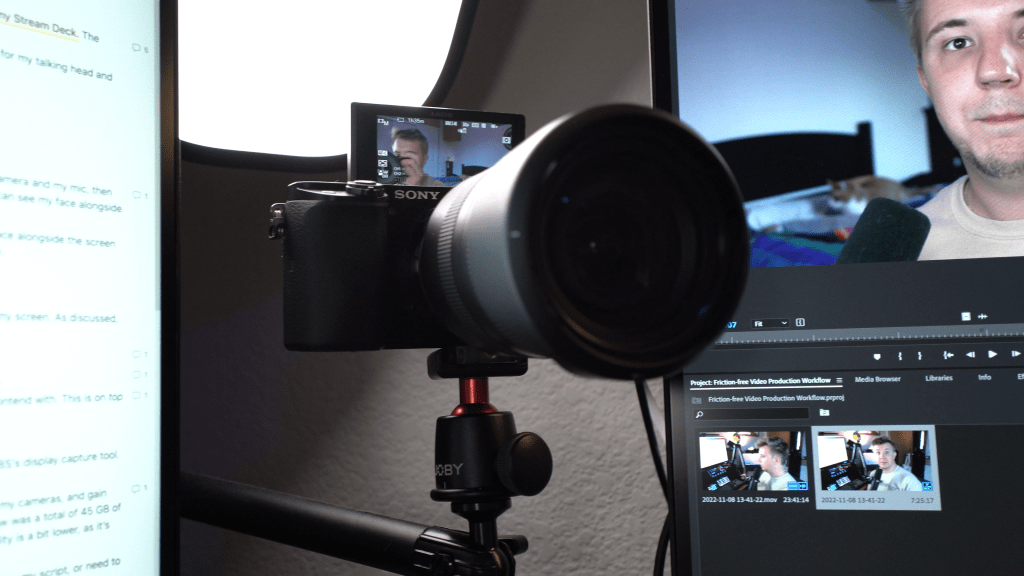
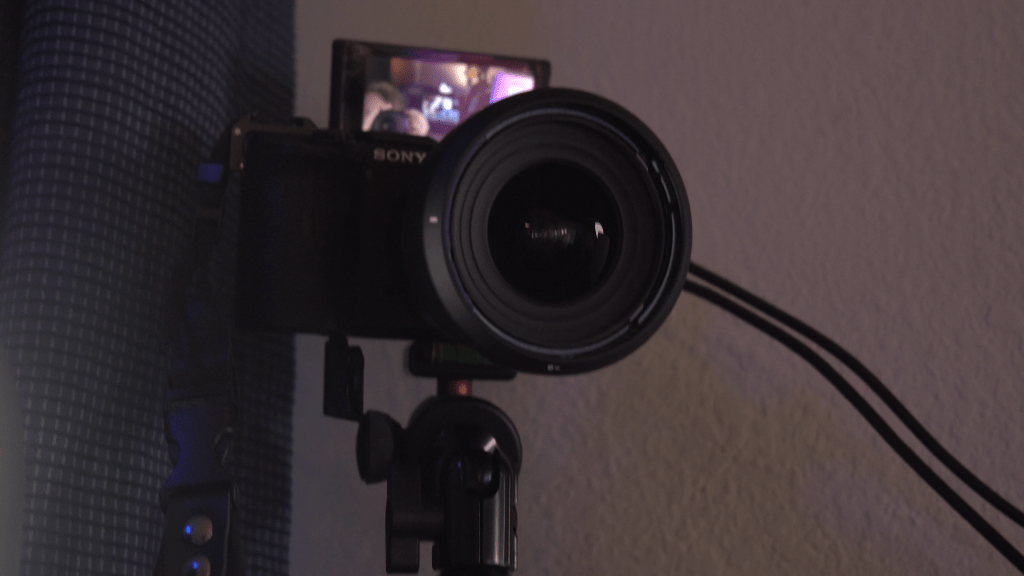
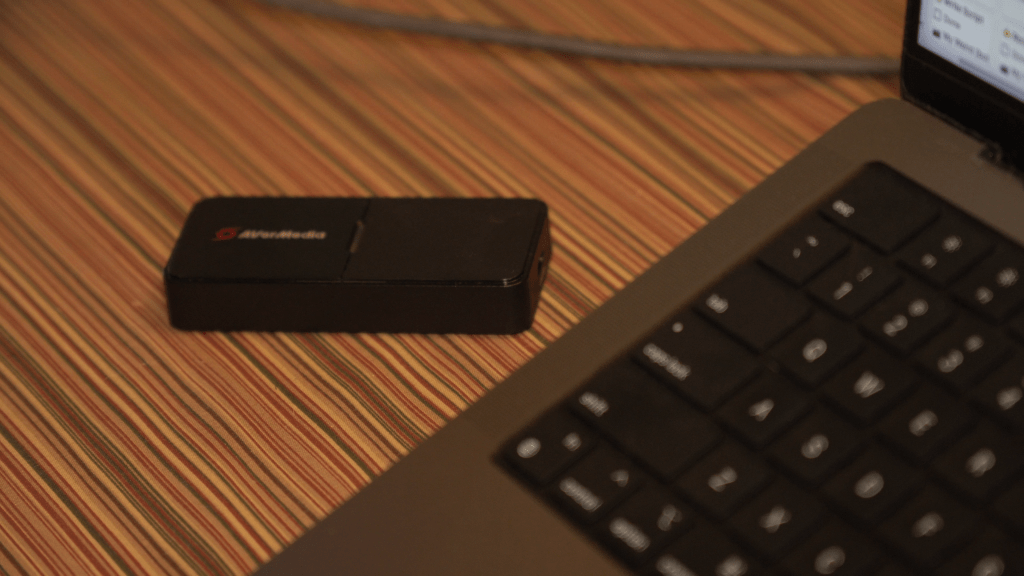
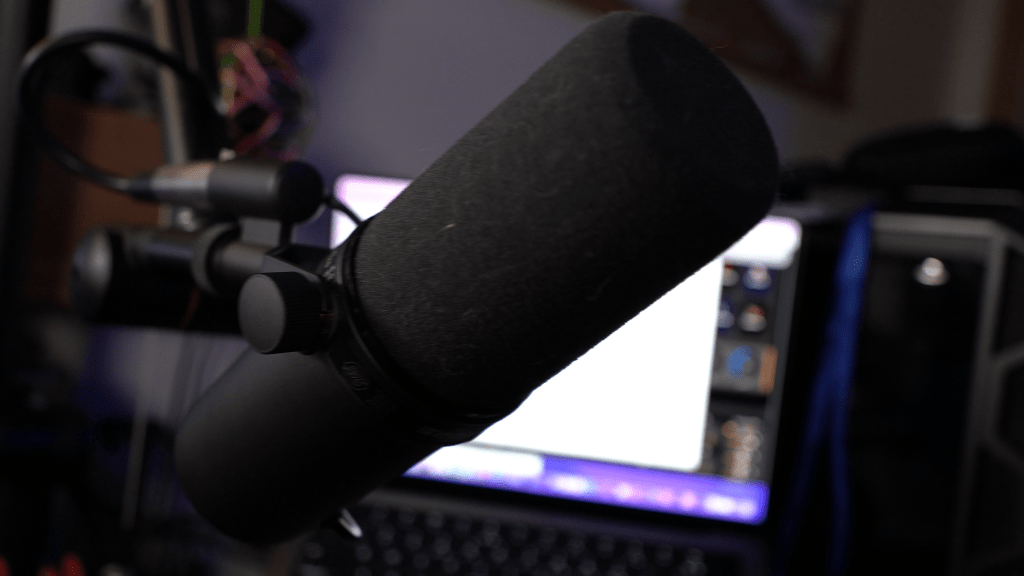
I have two 4K cameras plugged in to capture cards. I have an XLR setup with a Shure SM7B. I have lights I control with my Stream Deck. The nexus point for this all is my MacBook Pro running OBS.
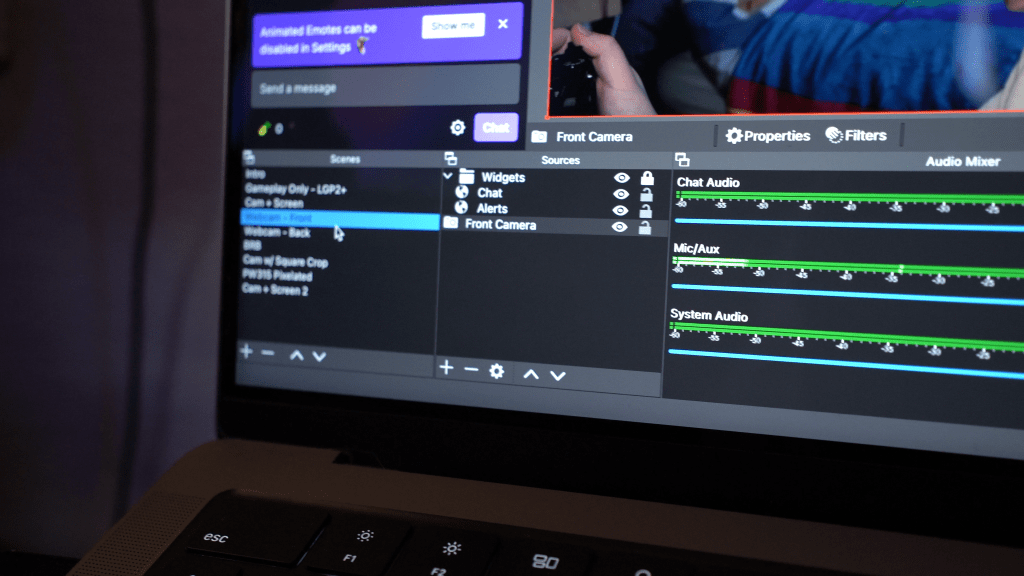
You’d think, OBS is for streaming, right? That’s correct, and I hardly ever stream. I use this all for streamlined video recording, at least for my talking head and other A-cut shots.
Why do I do this? What’s the point?
In short, convenience in recording, recution in file sizes, and simplicity in editing.
Convenience in Recording
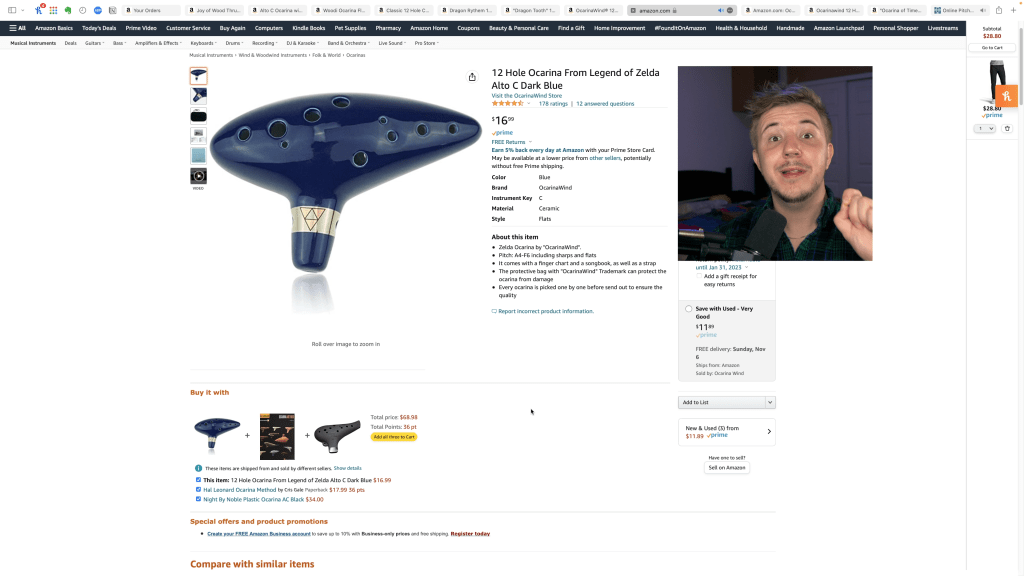
For example, I often do screen recordings in my videos. If I recorded everything separately, I’d have to record with my camera and my mic, then capture my screen as well, then sync it all, then adjust the scene in editing software so the camera is cropped and you can see my face alongside whatever’s on screen.
This is contrasted with my actual workflow: I switch scenes in OBS. Everything is already synced, and you can see my face alongside the screen capture. In addition to being infinitely more convenient than recording all of these separately, I also save a lot on file size.
Reduction File Sizes
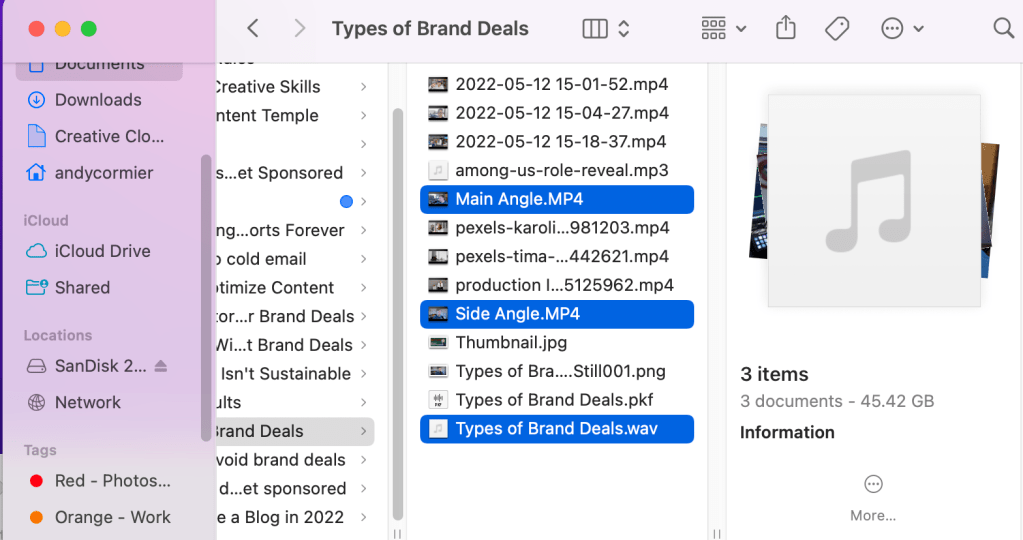
In my recording workflow, I want to utilize two camera angles, make full use of my audio setup, and sometimes capture my screen. As discussed, not only would separate recording be inconvenient, I’d also be wrangling many, many more gigabytes of files per video.
Main camera shooting 4K the whole time? Huge files, but I use this camera for most of my videos.
Side camera shooting 4K the whole time? Huge files, and I generally only use it for the beginning and ends of my videos.
Recording my mic as a WAV file? It’s high quality for sure, but it’s overkill for YouTube, and it’s even more gigabytes to contend with. This is on top of the wasted data by replacing the audio from my cameras.

Capturing my screen? Yet another file.
Instead, I record everything in OBS: cameras via capture cards, mic via my USB XLR interface, and screen capture via OBS’s display capture tool. One file instead of many.
If I can combine all of these into one video file with my preferred mic already in use, eliminate the audio I won’t use from my cameras, and gain access to pre-synced screen capture when I need it, I save a lot on file size. One video I made with the disparate workflow was a total of 45 GB of data for 30 minutes of recording, while a 34 minute video in this workflow is around 10 GB. Yes, the audio and video quality is a bit lower, as it’s not direct from the camera or a raw WAV file, but for uploading to YouTube, people won’t notice the difference.
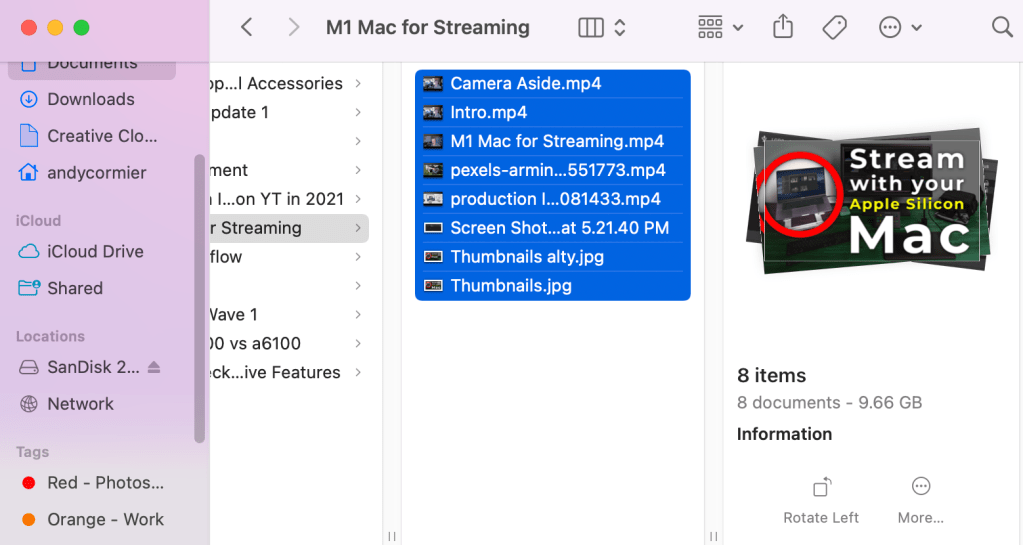
I can even pause the recording in OBS to save more on file size when I prep scenes, find what I’m screen capturing, practice my script, or need to step away, and everything is still conveniently synced.

When there’s less to edit, editing goes faster.
Simplicity in Editing
My old, disparate workflow also took a lot longer to edit. Syncing video and audio files into a multi-angle thingy was a hassle, and doubling the 4K video playing at once caused lag in editing.
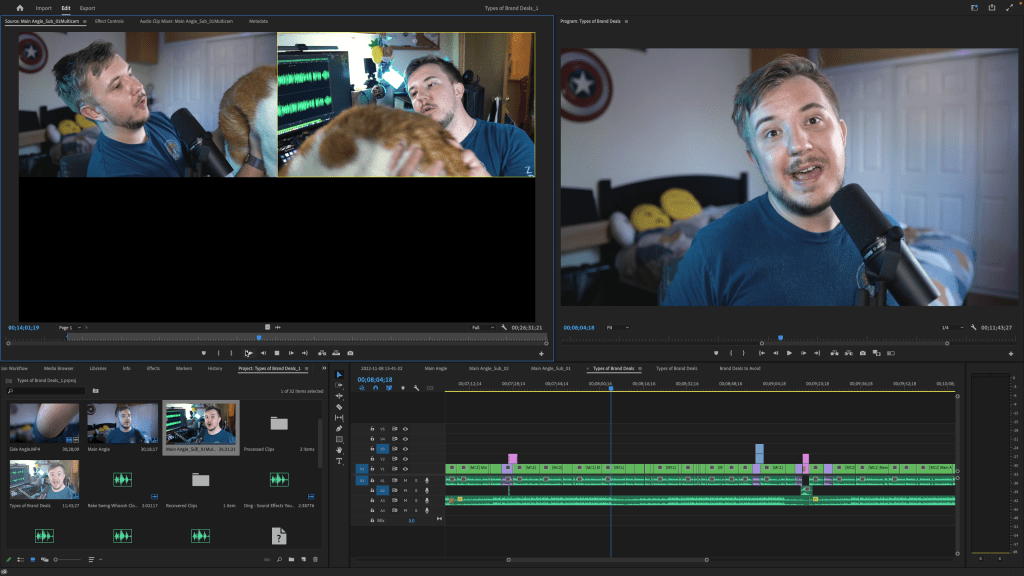
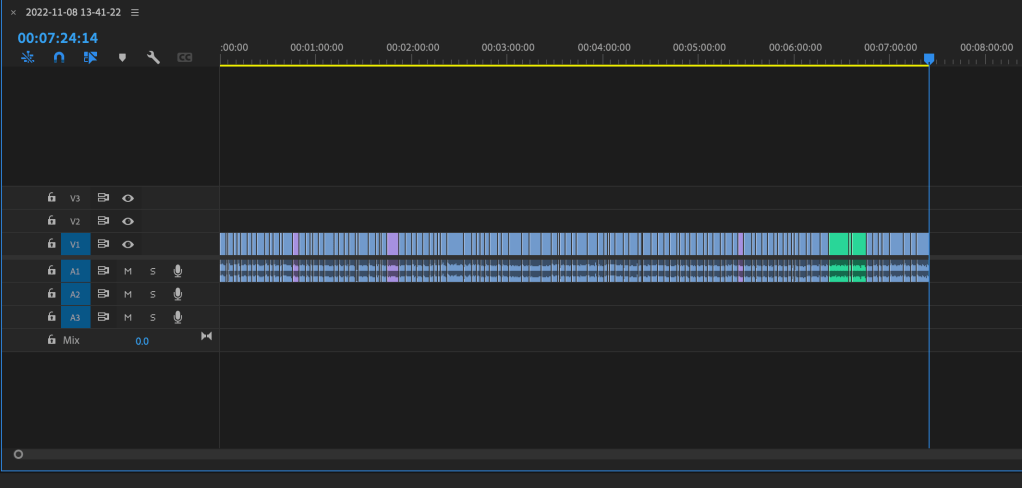
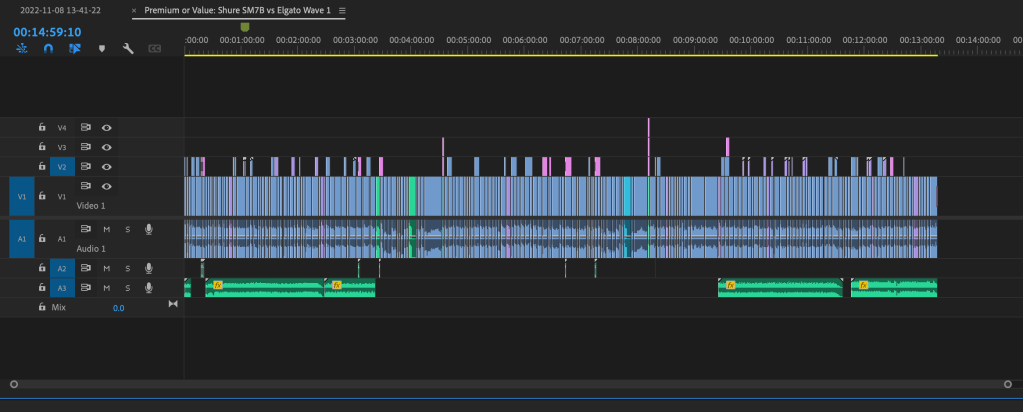
In contrast, for at least the first cut of my video, all I need to do is cut out dead air, ums and buts, and when I flub lines. By saving so much time in both recording and editing my A-cut of the video, I get so much more time to add stylistic edits, shoot better B-roll, and focus on fleshing out the ideas I turn into videos in the first place, as well as simply make more content.
Quick note—when I say “A-cut” I mean the talking head cut, or the start-to-finish end-to-end recording that I do in OBS. No fancy edits, no added SFX or music, no B-roll added yet. The “B-cut” for me is when I add B-roll (like money shots of whatever I’m talking about), stock footage, music, SFX, text on the screen, and all that. Then I do final revisions, export, and upload the video.
In Short, Removing Friction
But the main idea is this: I have removed as much friction as possible between having an idea and creating a video. Even if you don’t employ this exact workflow, how can you remove friction between having an idea and making something out of it?
Since I used to work for a streaming-tech company, I have access to a lot of the tools to do this, and I’m really lucky to have all this tech, but advanced tech isn’t the only way you can remove friction.
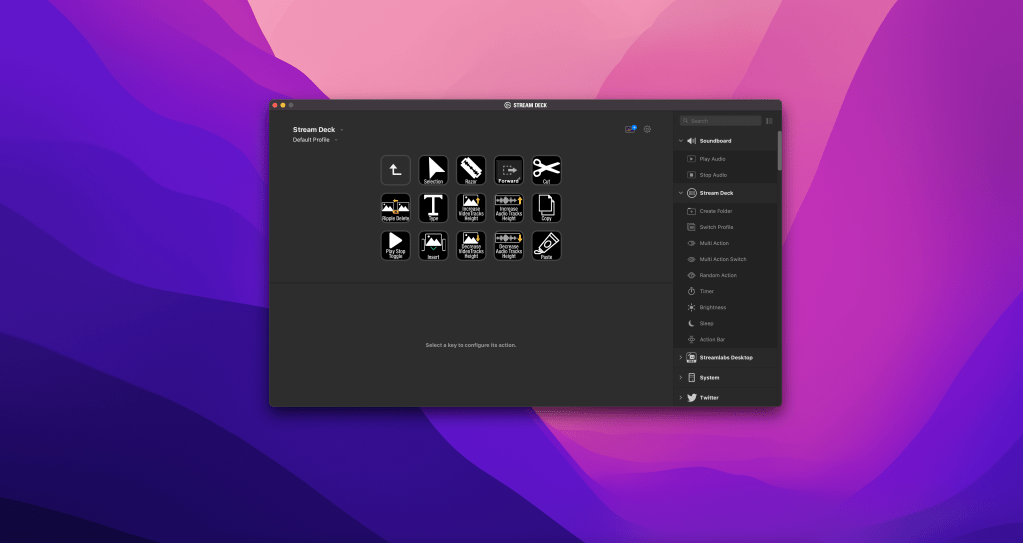
- Maybe your biggest point of friction is remembering hotkeys in editing. Maybe map them to mouse buttons or a Stream Deck, or just study them for a bit?
- Maybe your friction is in generating ideas. If it’s an issue of getting the ball rolling, you can try to list as many horrible ideas as possible—trust me, your ideas won’t stay horrible for long.
- Maybe you’re exactly like me and should set up an over-the-top OBS recording setup to make your video workflow faster.
My weird OBS workflow simplifies my creativity and removes friction. It makes recording videos a breeze, dramatically reduces my file sizes, and makes the editing process a lot simpler. It might not work for you, but it doesn’t have to. It’s simply what removes friction for me.
On that note of removing friction, if you’re a creator overwhelmed with building your brand, consider learning more about content optimization, which is basically turning one idea into many pieces of content. It lets you get a lot more out of your creative effort, and I have a post on it here.
 Andy Cormier