
My 14” M1 Max MacBook Pro arrived in the mail almost exactly a year ago. It’s been my daily driver ever since for everything from work, editing videos, streaming, and leisure. Was the M1 Max worth over $3,000? Is it everything I wanted it to be? Would I recommend such high specs for you?
Find out by reading on, or watch my video!
Why I Bought It
In late 2020, I built a powerful gaming PC. I really enjoyed the specs I gained and how nice my games looked, how snappy my editing software was, and more or less the options it opened up–nothing I wanted to do was limited by my hardware.
Except mobility, which I really noticed when my company switched to a hybrid model and I was stuck lugging a low-spec gaming laptop to do work and had to re-live all the hardware limitations I built a PC to escape from.
Fast forward to the announcement of M1 Pro and M1 Max chips. They seemed to good to be true—virtually as fast as my gaming desktop in a tiny chassis with 10+ hours of battery life. Needless to say, I wanted one so I could work from wherever with all the power of my desktop at home.
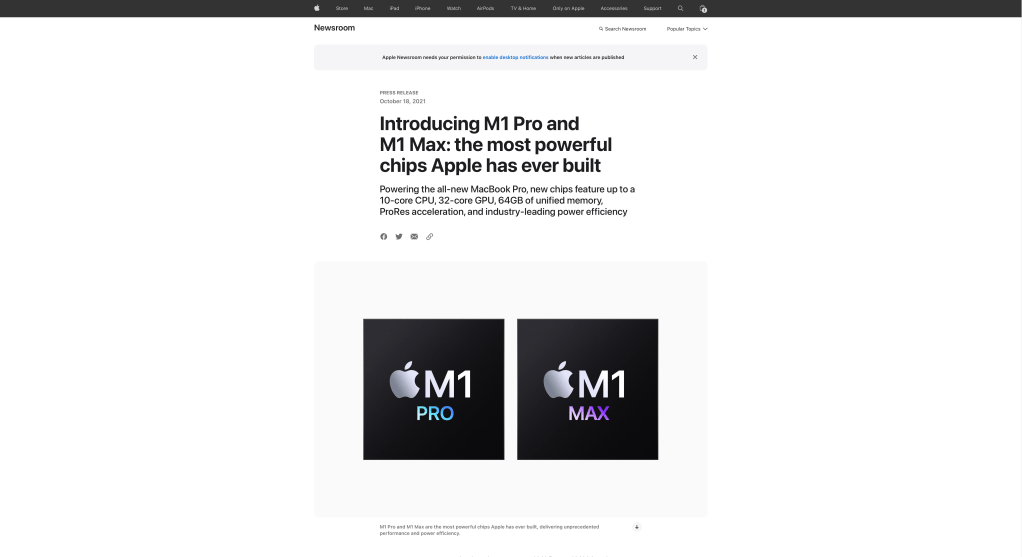
I ordered one with the following specs:
- M1 Max chip w/ 24-core GPU (not the full 32-core model)
- 32 GB RAM
- 2 TB SSD
I wanted an ultra-powerful laptop that could handle editing 4K video, had plenty of battery life, and was thin and portable. Furthermore, I wanted something with specs good enough to last the next 5 or more years. I got all of that and more in my first venture to macOS.
Switching to macOS from Windows
There was definitely friction at first, such as re-training my fingers to use the command key instead of control, or learning more specific bits about macOS and its features. Once I got over the learning stage, I fell in love with macOS. Windows doesn’t have a horrible user experience, but macOS is just so nice. Little things like navigation, trackpad gestures (which I also use on my MX Mouse), integration with the rest of my Apple ecosystem, dramatically improved system stability over Windows, multiple desktops, iPad as an extra touch screen monitor, and more. While Windows and Mac do share many of these features, such as multiple desktops, they’re better implemented and more usable in macOS.

I still use my Windows PC all the time for gaming, but with how nice it feels to use macOS, it became my daily driver. On top of that, my Mac uses less than 15% of the electricity as my Windows—it uses less energy than just my GPU— so there’s energy savings too while getting almost the exact same performance on productivity!
Unexpected Perks
I only expected to use my Mac as a mobile productivity + creativity machine and my daily driver for most computing, but it ended up being so much more.
With the powerful specs it has (I.E. total overkill for this process) it actually became my new streaming PC. I worked at AVerMedia, so I set up capture cards and audio mixing hardware I’ve accumulated such that I can use the MacBook for streaming while capturing my Windows PC for gaming. I have a video on this setup!

Using the technical knowledge I gained from studying macOS and streaming on it, I also landed a freelance writing gig with MakeUseOf! Although I’ve taken a break from that, it was a very unexpected perk to specifically land a role as a staff writer for the Mac section of the site.

Ports! I never even considered how important having three Thunderbolt 4 ports would be when I purchased, but it is a game changer. With these ports, I have 2 external 4K monitors, USB hubs, and more so I can use all of my peripherals like Stream Decks, capture cards, audio mixing, and more. It’s also really nice having an SD card slot for exporting photos and videos quickly. I get the full desktop experienced when I’m docked in, which I’m so thankful for—most of my usage is as a “desktop” connected to all my monitors and peripherals, so I’m glad I could connect everything for my overkill stream setup without limitation.
Limitations
While I got so much more out of this MacBook than I initially bargained for, it did come with limitations compared to my desktop.
First off, no gaming, but that’s not why I have this. I can play games like RuneScape and Minecraft on the Mac, but I still have my gaming PC. I just switch to that when I’m gaming. I knew this limitation coming in, so it’s literally no issue. In fact, the lack of gaming is actually really helpful for using this as a productivity machine!
Next, issues with video editing. Weirdly, in Adobe Premiere Pro, if I use 4K footage straight from the camera, I simply cannot preview footage at 2X speed. Obviously this is a “nice to have,” but it literally doubles the speed of my editing workflow. However, I overcame this by using capture cards and recording in OBS instead, for which I could edit at 2X speed. As far as I know Final Cut Pro and DaVinci Resolve don’t have this issue, so I may switch when my Adobe membership expires.

Third, when it comes to using OBS and streaming, I do have fewer options. I’ve accepted these limitations and use my Mac as my streaming PC, but it was difficult losing stuff like access to PCIe capture cards and certain useful OBS plugins, needing to use workarounds for capturing system audio, and getting fewer features in my software from Elgato and AVerMedia. However, the dual PC streaming life is so much nicer than running OBS and gaming on the same PC and all the performance issues thereof.
Additionally, there are definitely some Windows features I miss. As someone who works in social media, there’s a lot of copying and pasting going on, and Windows has a handy feature called clipboard history, where if you press Windows + V, you can see everything you’ve copied and pasted since booting up. I used this feature every day on my Windows PC, and that’s the one thing that I miss from switchinbg to Mac. However, the switch is worth the loss especially when I can use software like Text Expander or commands on my Stream Decks to make up for it—watch my video on using a Mac to stream for more!
Last, I keep running into high RAM usage. 32 GB is plenty for everything I do, but I often get borderline maxed out RAM and high memory pressure by just multitasking Premiere Pro, Notion, and two windows of Safari alongside all my background processes. Maintenance for this is relatively easy—occasionally trim my tabs, quit and re-open software, restart my Mac, things like that—but I kinda wish I got the 64 GB model instead to handle the heaps of software I have running. That’s my only regret, though!
Would I Recommend for YOU?
My M1 Max MacBook Pro was very worth it for me. I am a tech enthusiast, and I push my hardware to its limits. Most things I do don’t push this laptop, and I could probably have just as good a time with the M1 Pro chip, but I do make use of all this laptop’s specs. I spent my entire life building desktop PCs and never stopped to think how amazing it would be if I could take that power anywhere.
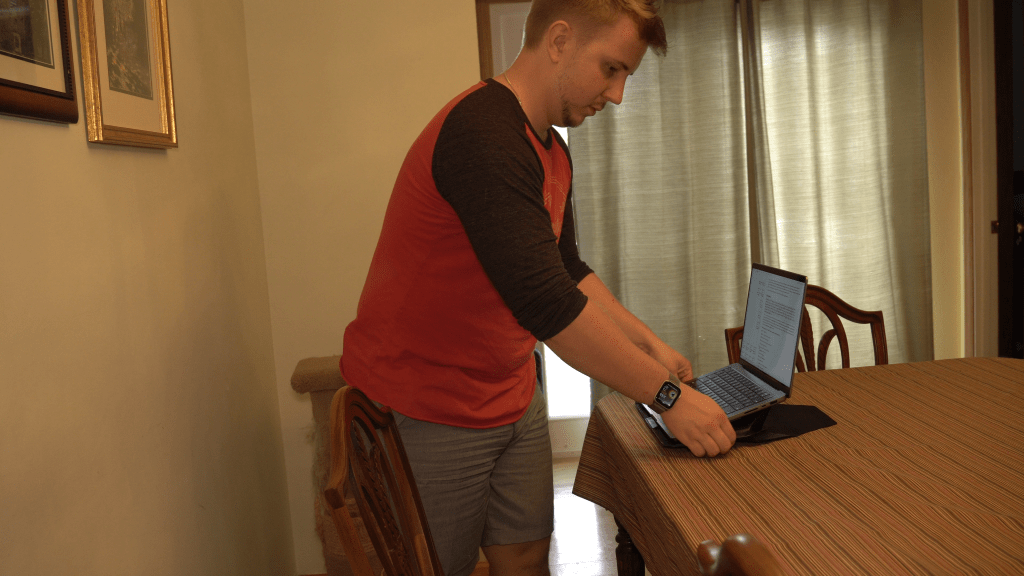
Just because it was right for me doesn’t mean it is right for you though! You can get other laptops that have similar specs at a lower price but might sacrifice on portability and battery life, such as a lot of current gaming laptops. You can also sacrifice some power and get a lower-specced M1 or M2 laptop from Apple, which would be enough for most workflows I do, just not quite as smooth. To illustrate, a M1 MacBook Air goes on sale for as low as $800 and, aside from snappy 4K video editing, could probably do most of the things my M1 Max does, just slower and with less ability to multi-task. If you don’t regularly use resource-intensive workflows like 4K or 8K video editing, 3D, or other pro use cases, the M1 Max is absolute overkill!
But I like overkill, so it’s right for me—and if it’s overkill now, it’ll surely last the next 5 years!
If this was helpful for you, consider checking out my video on a great travel work setup! It’s focused on using a MacBook, so any macOS user will benefit! Otherwise, leave a like, subscribe for more, watch that video next, and comment if you’ve switched from Windows to Mac! Thanks for watching, and I’ll see you next time. Happy creating!
 Andy Cormier