
I got this mic for free—not as a review unit, but via a coupon code. I didn’t even want it, but I was buying some stuff on Amazon and there was a promo to get it for free, so it’s here. If you’re a creator on a budget of nothing or a hybrid worker who needs a slight upgrade for conferencing… does this mic fit the bill?
About the Mic
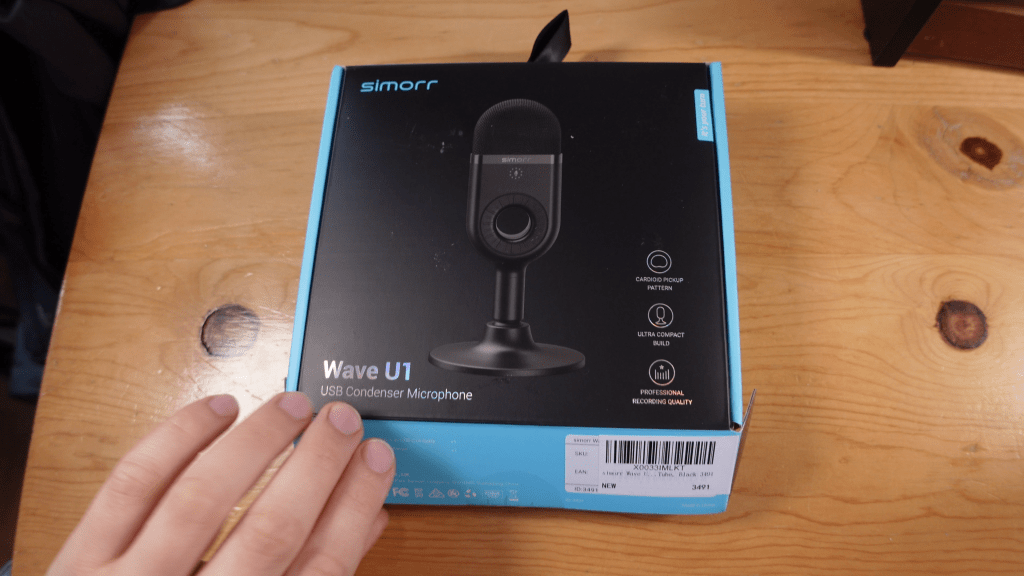
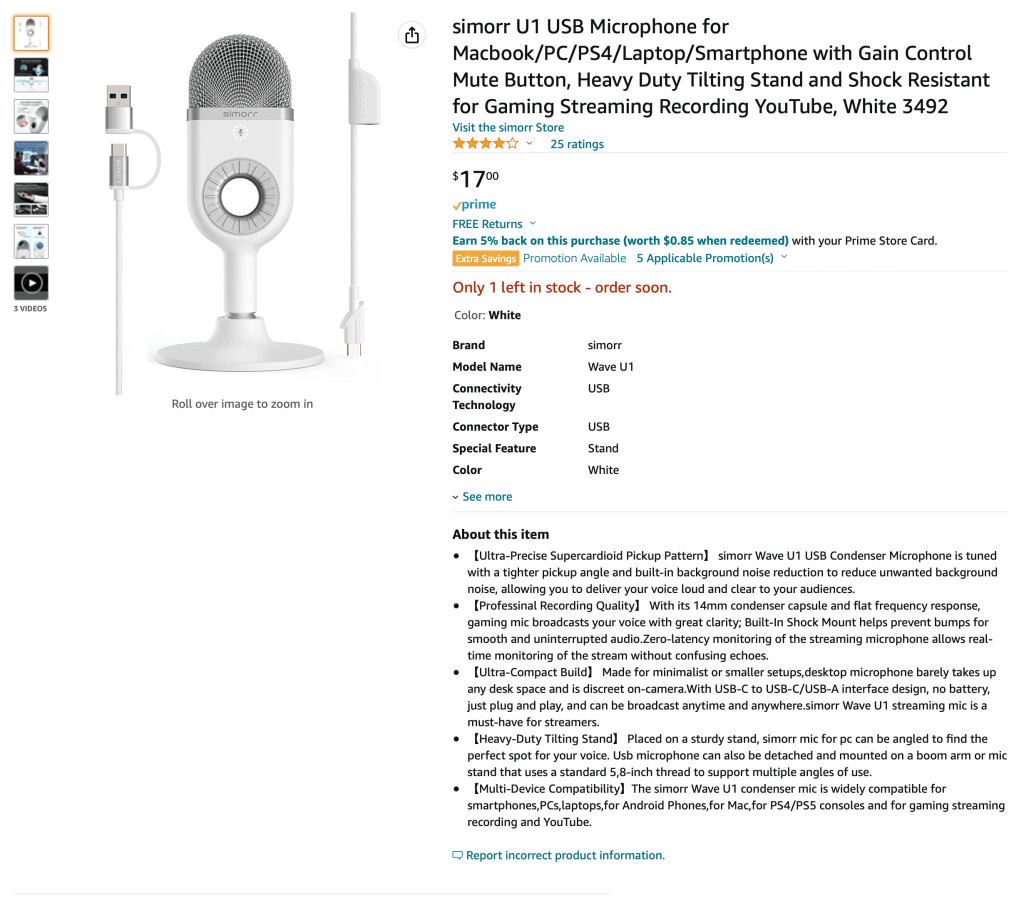
The simorr Wave U1 Mic is a USB condenser mic with a super cardioid pickup pattern, a 48kHz sample rate, and a 24bit dynamic range. It connects via USB C and has a headphone port on the cable for monitoring as well as a USB C to A converter for more plugging options. There’s also a dial for adjusting volume on the fly, and according to the Amazon listing, it also has a built-in shock mount. The company says it is “perfect” for streamers.
Specs: 48 kHz sample rate, 24-bit dynamic range, super cardioid pattern
Price: $22 for black, $17 for white, or free w/ promotional bundle
Where to Buy: Amazon
How to get Free (for now): Buy up to $100 of other stuff from SmallRig—may not be applicable when I post, but smallrig has a lot of useful stuff, so if you need anything, this mic becomes free. It was only a $50 purchase necessary a week ago, but still, it can be free.
Now, let’s actually use the mic! Watch the video for the following tests:
- Front, 6 inches, 1 foot, 4 feet away, kissing mic (proximity effect)
- Front / side / back / front to test the cardioid pickup pattern
- Background noise test (w/ a fan on high)
- Shock mount test for table vibrations
- Using ocarina for an instrument test
- Adding Noise Gate / EQ / Compressor to sound better
Initial Impressions
It’s very sensitive, like no matter how I adjust the gain dial, getting in closer than 3-6 inches results in distorted, peaking sound. The Wave U1’s sensitivity also picks up any and all breathing and such, so you may want to follow Tay Zonday’s footsteps and move away from the mic to breathe.

The dial on the front also makes very little sense—there’s no good indication for what your gain is. The light indicator doesn’t seem to get brighter or change depening on your setting, and the only indicator is that it turns red when you dial it down to mute and blinks when you max it out, and it takes so many rotations to adjust the settings. I’d rather have no dial than one with no discernible volume indication—there’s no way to know if I accidentally bumped it and changed the volume until after the fact. In other words, the dial actively makes this mic worse.

Sound-wise, it’s a bit muddy by default without EQ. I’m using OBS Studio’s built-in 3-band EQ filter to slightly lower bass, significantly lower mids, and raise highs to increase clarity and cut through the mud, but you’d get better results from a more advanced 10-20 band EQ setup. Given this is a cheap mic, I’m using beginner-level audio filters.
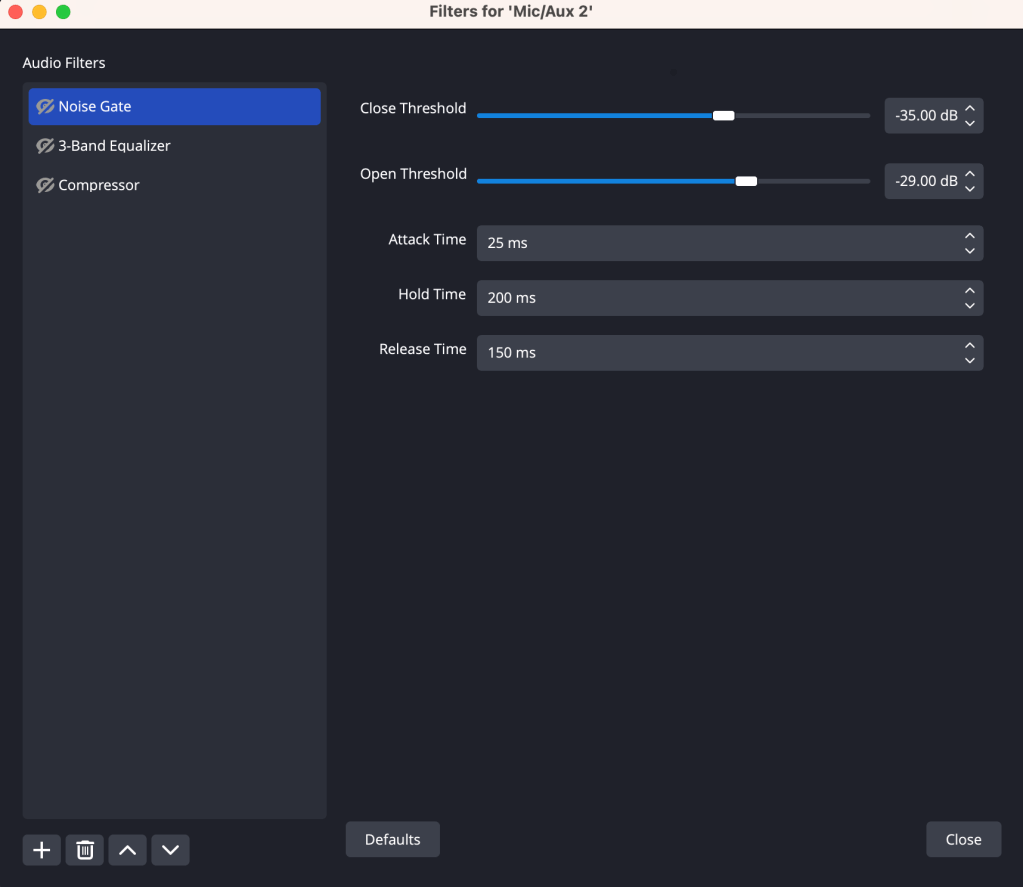

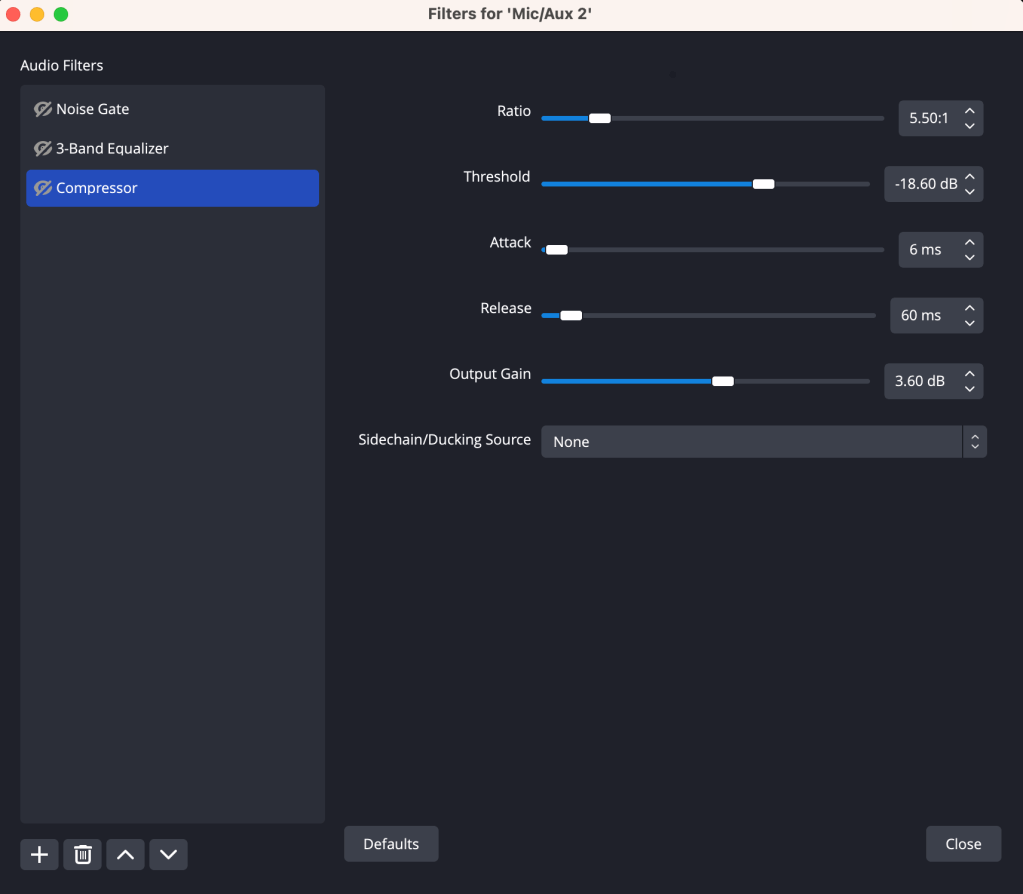
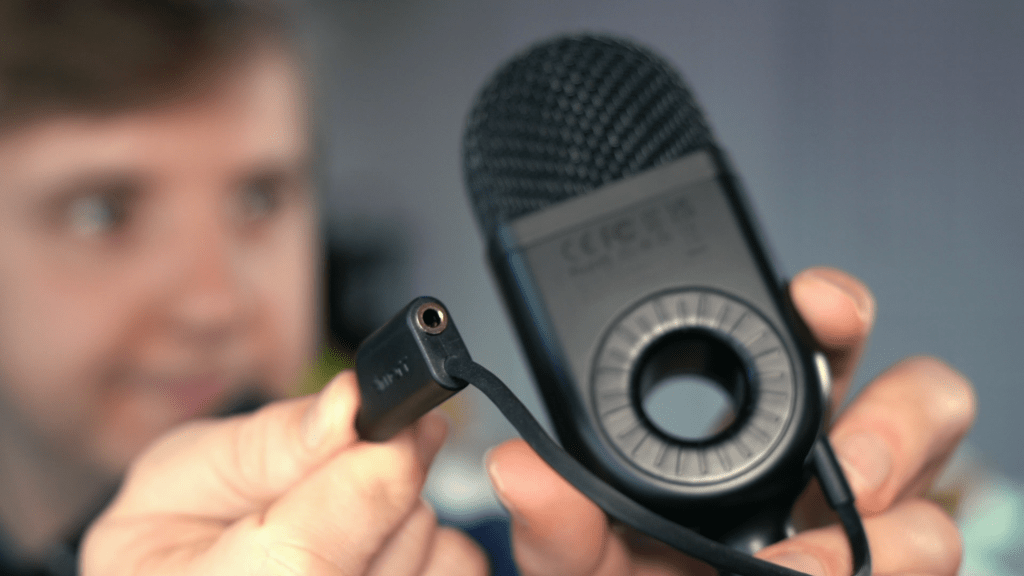
However, it’s not all bad. The sound is acceptable, and with some EQ and compression, you can get a pretty decent sound for speaking. And without any of that, it’s surprisingly good for recording my ocarina, though I need to either lower the gain or position it further away to prevent peaking. I also like the tilting mount with 5/8” threading. It’s not particularly useful, but given how cheap and light the mic is, it’s a weirdly premium feature. The cable is also really well designed in how it’s contoured to the USB C port and has a headphone jack for monitoring.
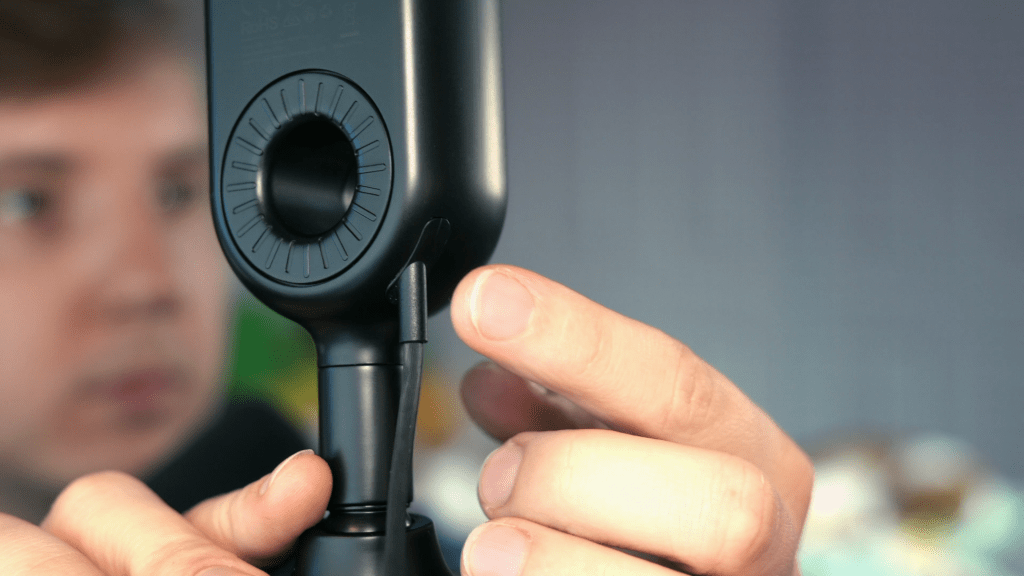
The shock mount also works, at least for desk vibrations (not so much for handling the mic), which is unexpected for a mic this cheap. Basically, the mic can sound pretty good and has some weirdly premium features despite the many glaring issues.
Elgato Wave 1 vs. simorr Wave U1
Given this mic is called the “Wave U1” and is advertised as a streamer mic, we should compare it to what it’s clearly trying to compete against, the Wave 1, which is quite hard to find now.

In the video at the top, I have a quick comparison without any filters—obviously the Elgato is a better mic, but it’s good to compare when they have the same intended use case!
Is it Worth Using?
For $22 or for free, this mic really isn’t bad. If you really need a mic, it’ll get the job done. That said, I wouldn’t recommend it to anyone with a budget higher than that. If you want an affordable USB mic, get the Elgato Wave 1 or Audio Technica AT2020 USB+. They’re both around $75 right now, but they’re so much better.
And let me know… will you consider this mic? If not, what are you using for audio? I’d love to know.
The simorr Wave U1 isn’t amazing, leaving a lot to be desired. However, what it does well, it does surprisingly well—at least for $22 or for free.
Looking for more tech content? If you’d like to see how the Elgato Wave 1 fares to a $400+ audio setup, watch my comparison to the Shure SM7B!
 Andy Cormier