This is all the gear I use for making content (YouTube + streaming), as well as some alternatives if you’re on a budget. Similarly, not everything I have or use is the best, so there are also some better alternatives listed!
Anything with a ⭐️ emoji indicates it’s something I both use and highly recommend—definitely check these out. I use affiliate links for most products below, so buying through them helps support my channel!
🚨 DISCLAIMER: I have lots of gear, but I am a strong proponent of getting started making content with what you already have. In most cases, you just need a mic to start streaming or your phone to make videos—make sure you enjoy making content before you sink heaps of money into it!
🎙️ Audio
⭐️ Studio Mic: Shure SM7B

- The Shure SM7B is overkill for most creators but is simply phenomenal if used correctly. Make sure you have a sufficiently high-gain XLR interface, the mic is very close to your mouth, and set EQ/compression to match your voice, or you may be disappointed!
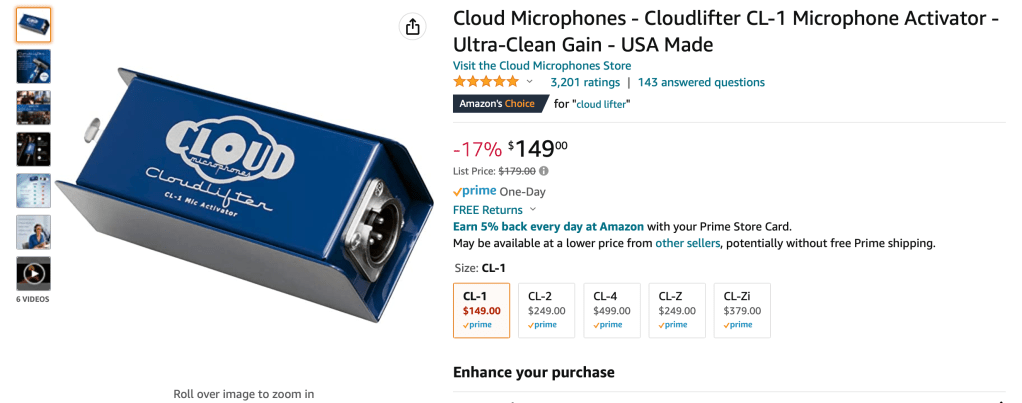
Gain Booster: Cloud Lifter (not necessary if you have a better XLR interface than I do)
XLR Interface / Mixer: AVerMedia AX310 (originally Live Streamer NEXUS)
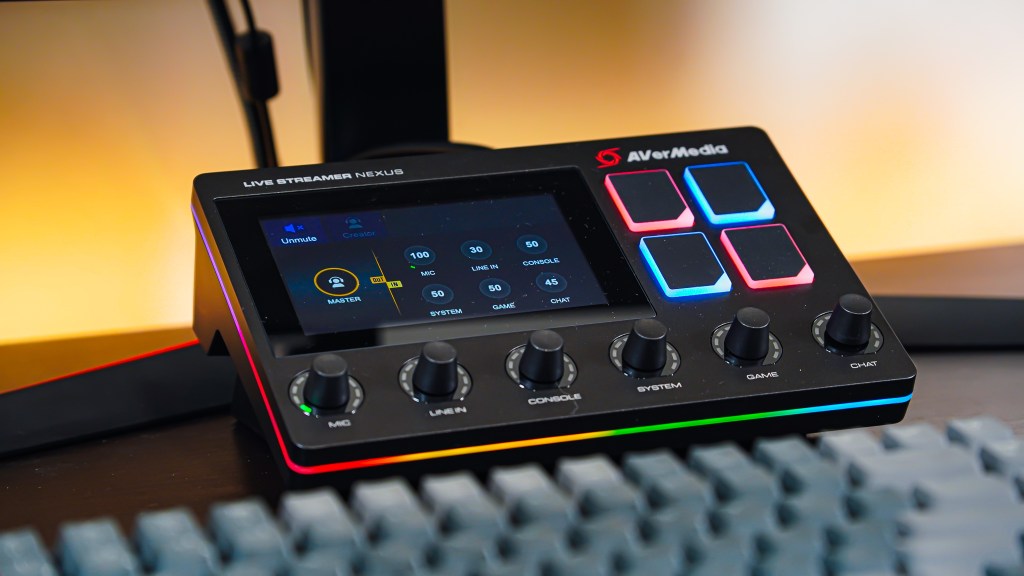
- I have this because I used to work for AVerMedia. It’s very interesting, is a quite good mixer, but I don’t recommend it as an XLR interface
⭐️ Mic ARM: AVerMedia Live Streamer ARM

- A hybrid mic arm that can toggle between boom (tall) orientation or low-profile (horizontal) orientation. It uses hydraulics and thus doesn’t have any springs, and it can even support a full-frame camera!
- I have this because I used to work for AVerMedia. I worked on the product launch, but seeing as I no longer work there, I’d only recommend it if it goes on sale for under $120—it’s a superb mic arm that just happens to be too pricey
⭐️ Vlog Mic: Rode Video Mic GO II

- A surprisingly fantastic shotgun mic for the price. It doesn’t need batteries, and provided you adjust your camera’s input gain, it’ll dramatically upgrade your camera audio. You can also use it as a USB mic thanks to its USB C port, making it even more versatile!
Budget Alternatives
Studio Mic: Rode Pod Mic, Elgato Wave DX

- Both fantastic $99ish dynamic XLR mics—note they do require an XLR interface
Studio Mic (USB): Elgato Wave 1, Audio Technica AT2020+

- These don’t require an XLR interface (because they’re USB) and are both fantastic mics typically going from as low as $50-90 depending on current pricing.
- These are condenser mics, so they’re not quite as good for streamers as the Dynamic XLR mics, but they’re fantastic nevertheless—just make sure you add a noise gate and some effects like compression/EQ
Mic Arm: Puroma Mic Arm
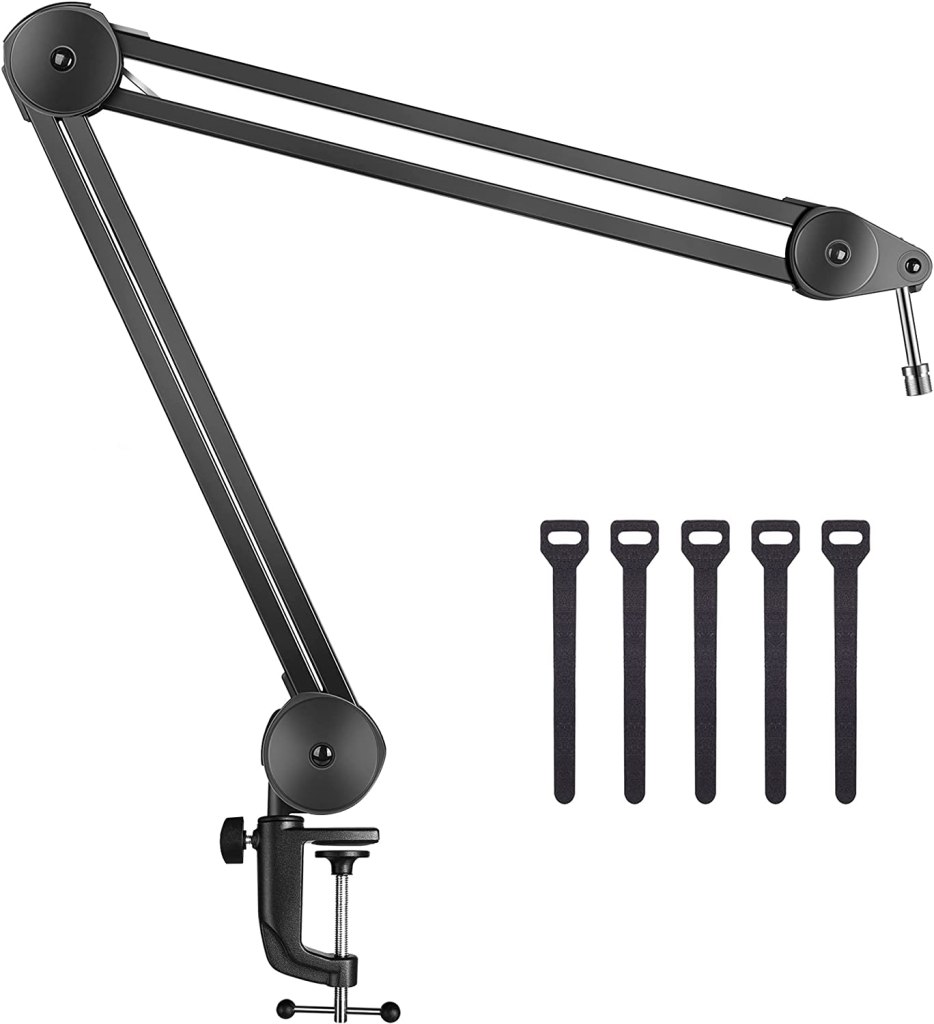
- Surprisingly good arm for $35ish
Better Alternatives
XLR Interface: Elgato Wave XLR

- It’s cheaper than what I use and has a better preamp, and it integrates with Elgato’s software ecosystem!
Mic ARM: Elgato Wave Arm (LP or regular)
- I think the AVerMedia arm is better than these ones in most regards (weight capacity, slimness, etc), but it’s double the price. Furthermore, most people only need an arm that’s boom or low profile—the toggling feature on AVerMedia’s arm is somewhat unnecessary if you know how you’ll set up your arm.
- While the AVerMedia arm is arguably the best mic arm on the market, it’s simply too expensive to be worth it for most people, so I recommend one of Elgato’s arms instead.
📷 Cameras
⭐️ Main Camera: Sony a6600
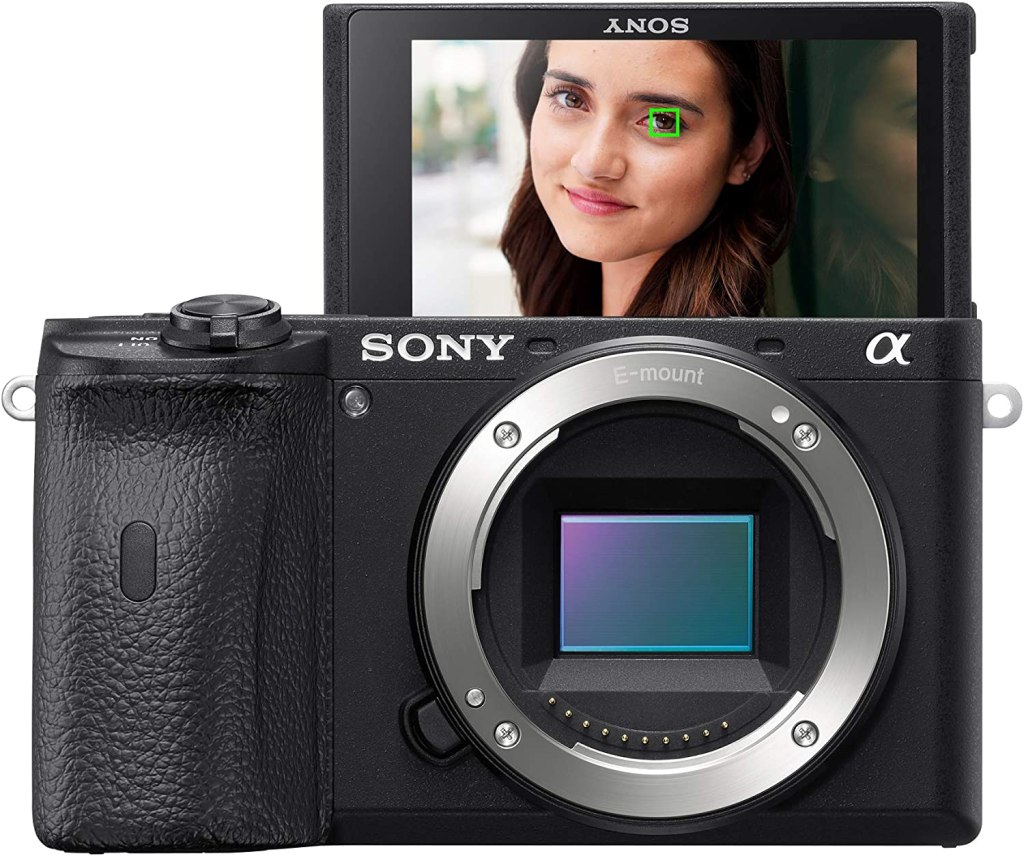
- If you want a fully kitted out APSC camera for both photo and video, the a6600 is for you!
- However, the ZV-E10 has all the same video features, the same sensor, and the same lens compatibility for around half the price, so unless you value photography as much as video, I’d recommend the ZV-E10 instead. I truly recommend the a6600, but it’s pricy, starting to get outdated, and most people don’t need all its features!
Secondary Camera: Sony a6100
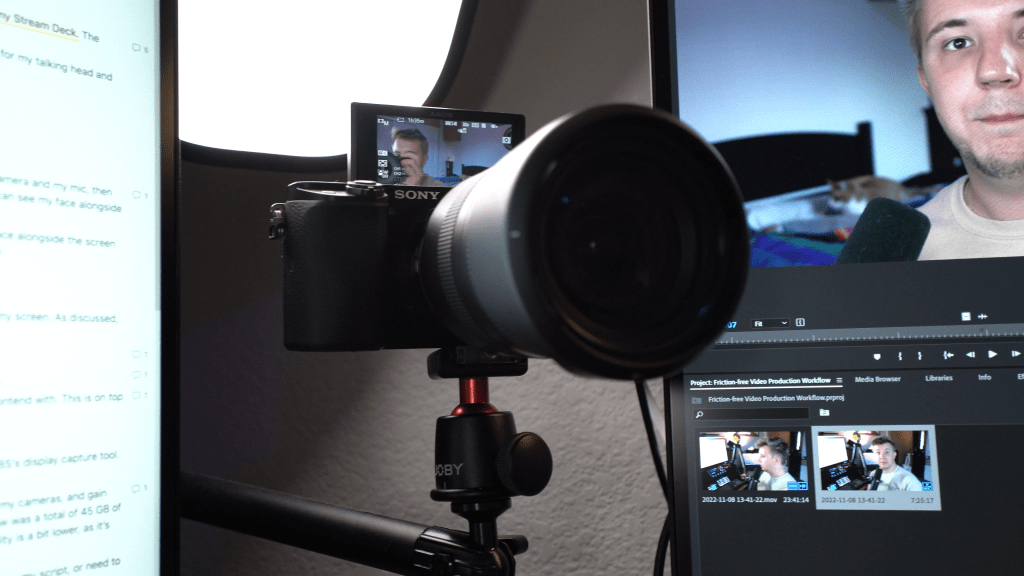
- This has similar specs to the a6600, just with fewer bells and whistles. Again, I strongly recommend the ZV-E10 over this for video, but it’s a great camera for photography and stationary video (IE. on a tripod). I use this camera as my “webcam” and purchased it (secondhand) because I wanted a second camera angle that shot 4K and used the same lenses as my a6600.
⭐️ Main Lens: Tamron 17-70mm f2.8
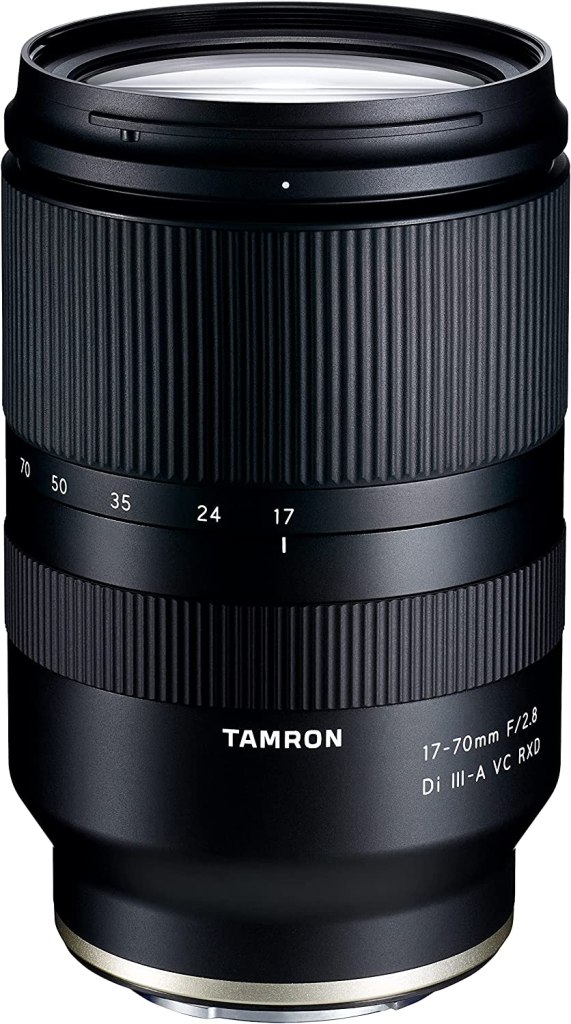
- This is mainly a photography lens, but it’s great for video, albeit expensive at around $700. I love zoom lenses, so I make a lot of use of this lens!
- Do note this lens is very large, so if you bought a Sony APSC camera for its compact size, this lens defeats the purpose. Its quality is incredible, but it’s very large.
⭐️ Wide-angle Lens: Tamron 11-20mm f2.8
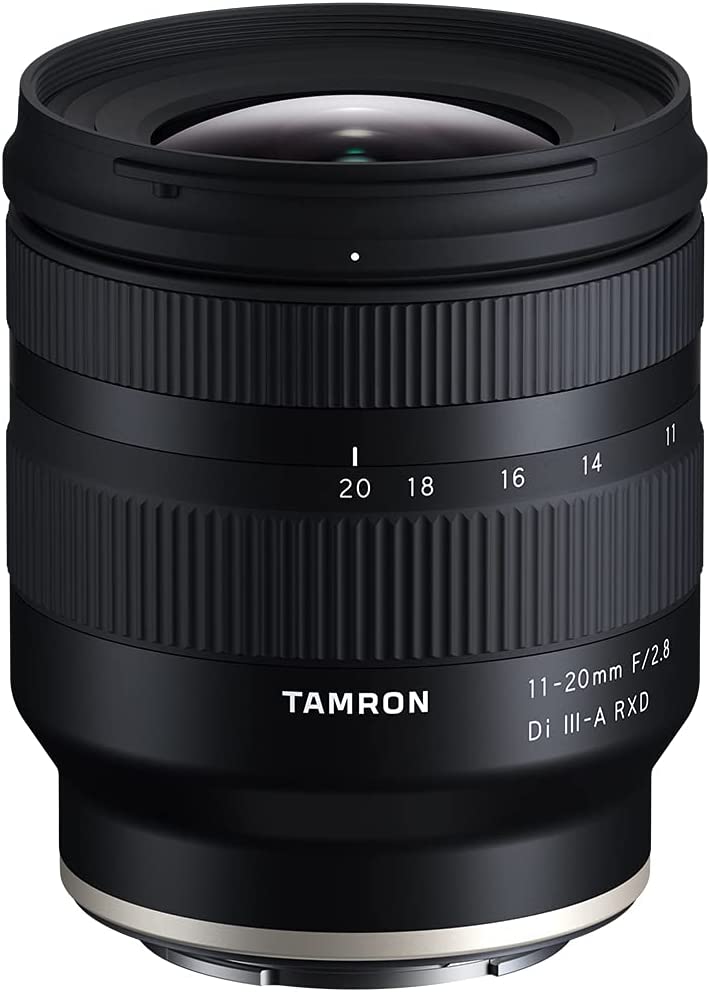
- This is my favorite lens to use while vlogging with my a6600, though it’s still a bit bulky for an APSC camera and a bit pricy at around $650 (you can get a fully kitted out used Sony ZV1 for less)
⭐️ Prime Lens: Sigma 16mm f1.4
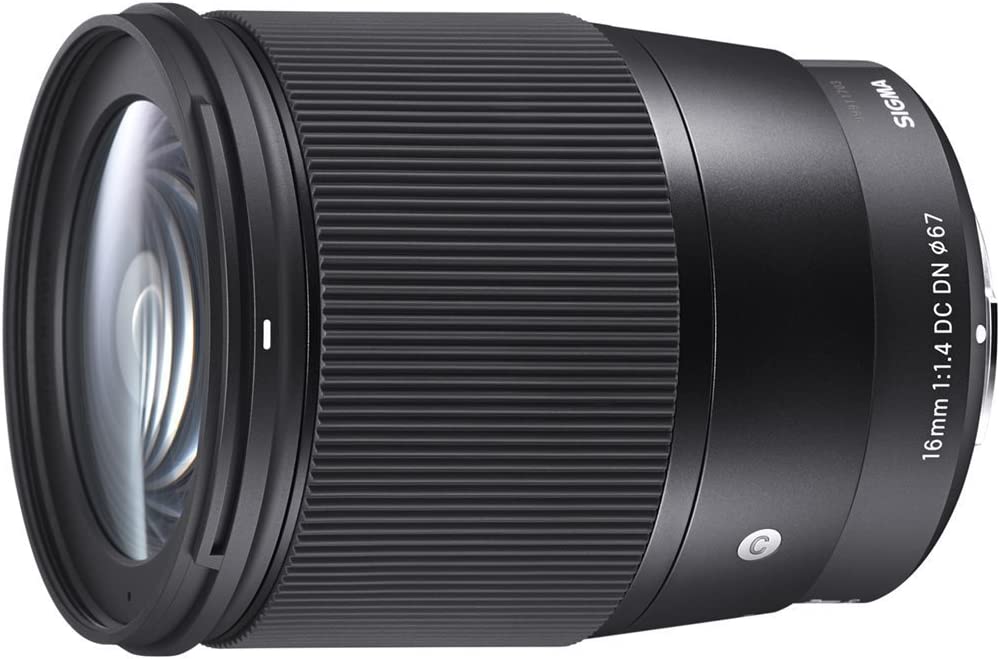
- I prefer the flexibility of zoom lenses, but the Sigma 16mm lens is by far the best vlogging lens for Sony’s APSC cameras (a6600, a6100, ZV-E10, etc). While it isn’t great for vlogging on the go (it’s heavy + has no stabilization), it produces the sharpest picture imaginable for these cameras.
⭐️ Vlog Camera: Sony ZV1 (with Neewer wide-angle lens, support bracket, and SmallRig remote/grip)
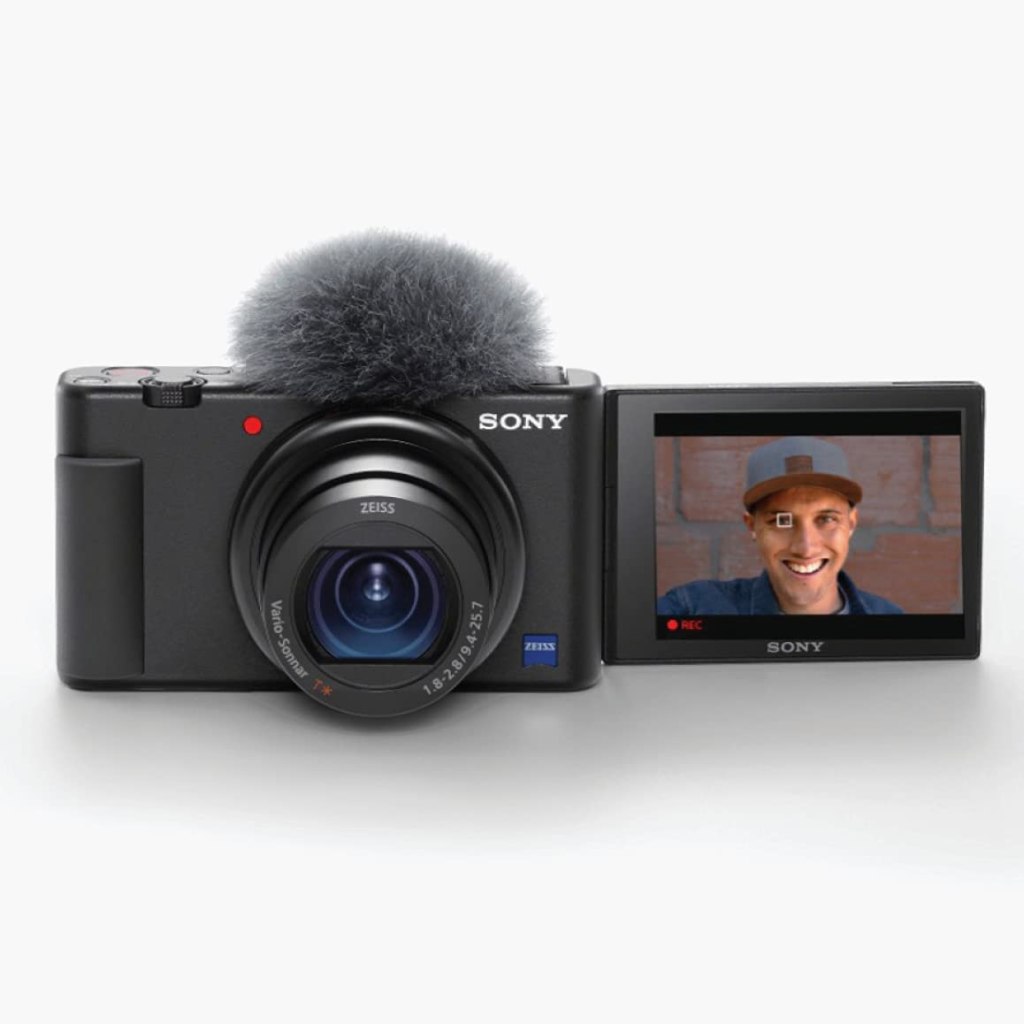
- I love how tiny this camera is. It’s definitely lower quality than the a6600, but I can fit this camera in my pocket and get comparable quality. I don’t use it for my studio setup, but it’s superb for vlogging.
- Best value when purchased used on eBay for under $500ish (usual Amazon price is $650 on sale, $750 usually, and the MSRP was $800)
Webcam: AVerMedia PW515
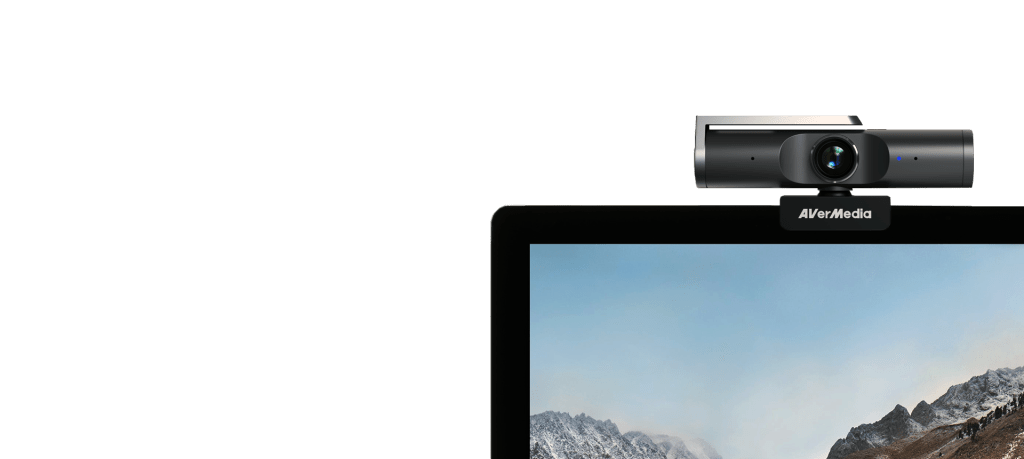
- I used to work for AVerMedia and thus have this—it’s a very good webcam, but there are far better options at a similar price (which is crazy because this was arguably the best webcam in the market when it was released in June 2022 and was quickly overtaken by Elgato, DJI, and Razer).
Budget Alternatives
Camera: Sony ZV-E10
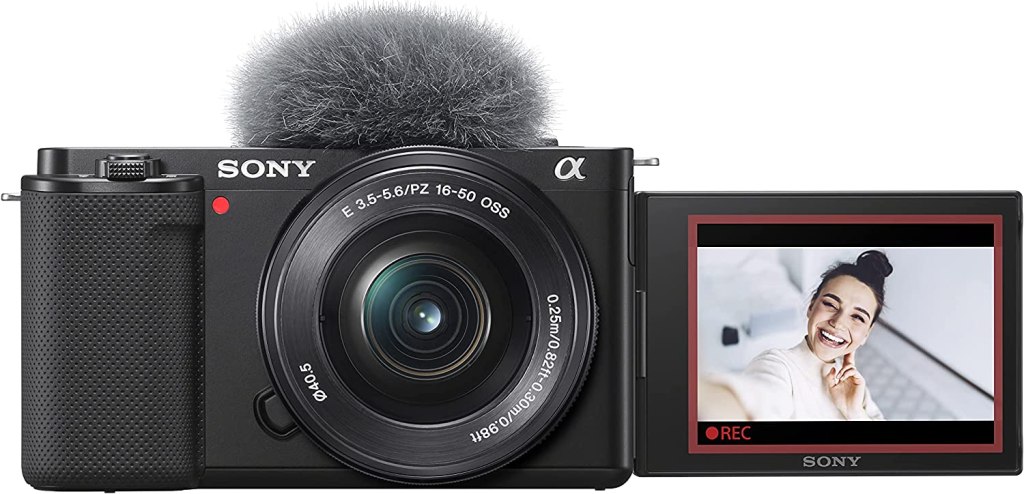
- More expensive than the ZV1, but much cheaper than the a6600 and a6100 and has all of the a6600’s best video features like in-body image stabilization. Uses APSC E mount lenses
- I don’t use this, but it deserves a ⭐️ for its video features at a reasonable price
Main Lens: Sony 16-50mm f3.5-5.3 OSS (kit lens) or the ZV-E10 + lens bundle
- This is the standard kit lens for Sony APSC cameras. It’s not amazing like my Tamron lenses, but it’s tiny and surprisingly good, and has built-in stabilization. A camera setup of Sony ZV-E10 and this lens is a fantastic start for your content!
Better Alternatives
Camera: Sony A7IV or Panasonic Lumix S5II
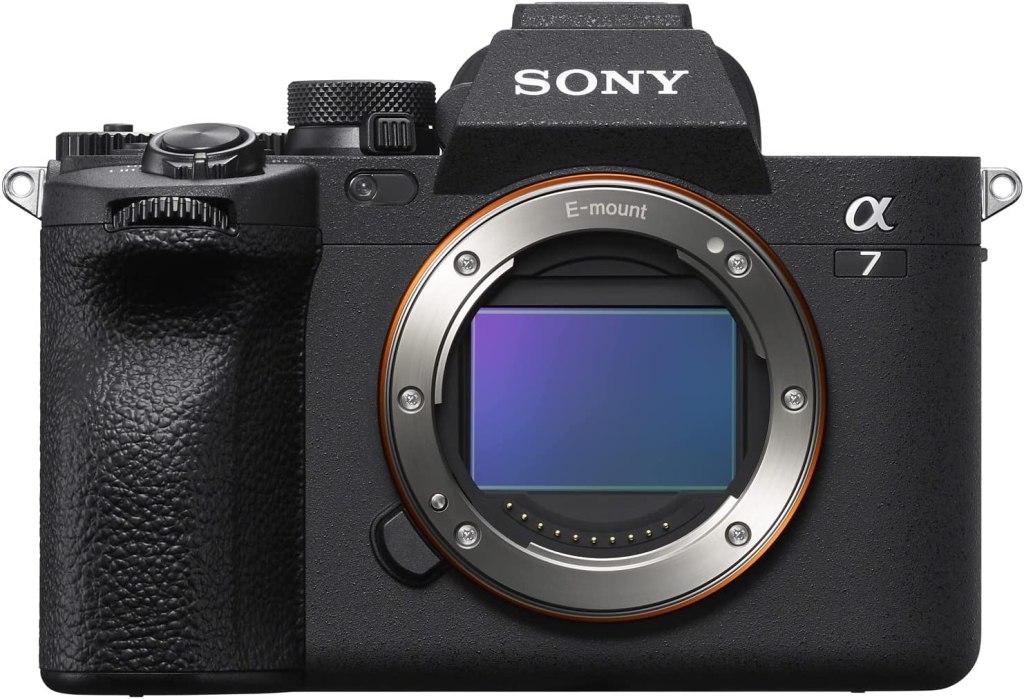
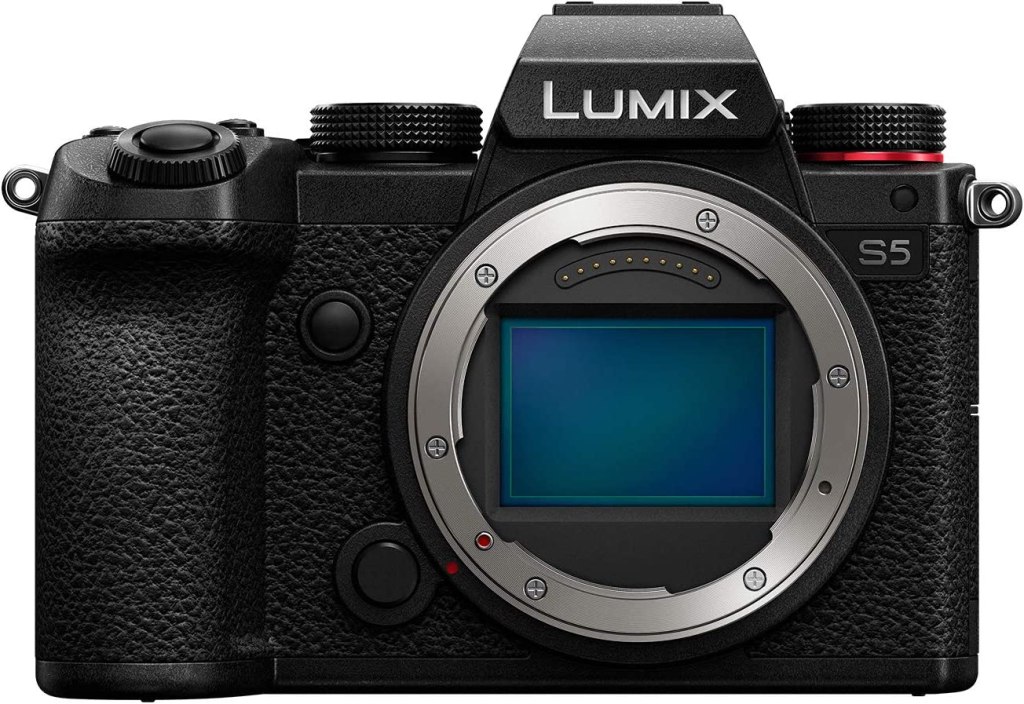
- I want one of these cameras (and I can’t decide which), with full-frame quality and 4K60 video capabilities. Sony has better lens options, while Panasonic has better stabilization and video features.
- Look into the best lenses for these and make sure you have the proper mounts (full frame Sony E Mount for A7IV, L mount for Lumix)
- Tamron and Sigma are great brands to look into for lenses, and Sigma makes lenses for both.
Webcam: Elgato FaceCam Pro
- A 4K60 webcam that rivals actual cameras. It’s $299, which is frankly a steal for the level of quality.
- Note that getting a capture card (Elgato CamLink, AVerMedia CAP 4K) to use your camera as a webcam is cheaper (if you already have a camera) and will still have better quality!
💾 Capture Cards
I will preface this section by stating, once again, that I used to work for AVerMedia and thus have many of their products. I no longer have any reason to promote them over other brands
USB Capture Card: AVerMedia Live Gamer ULTRA
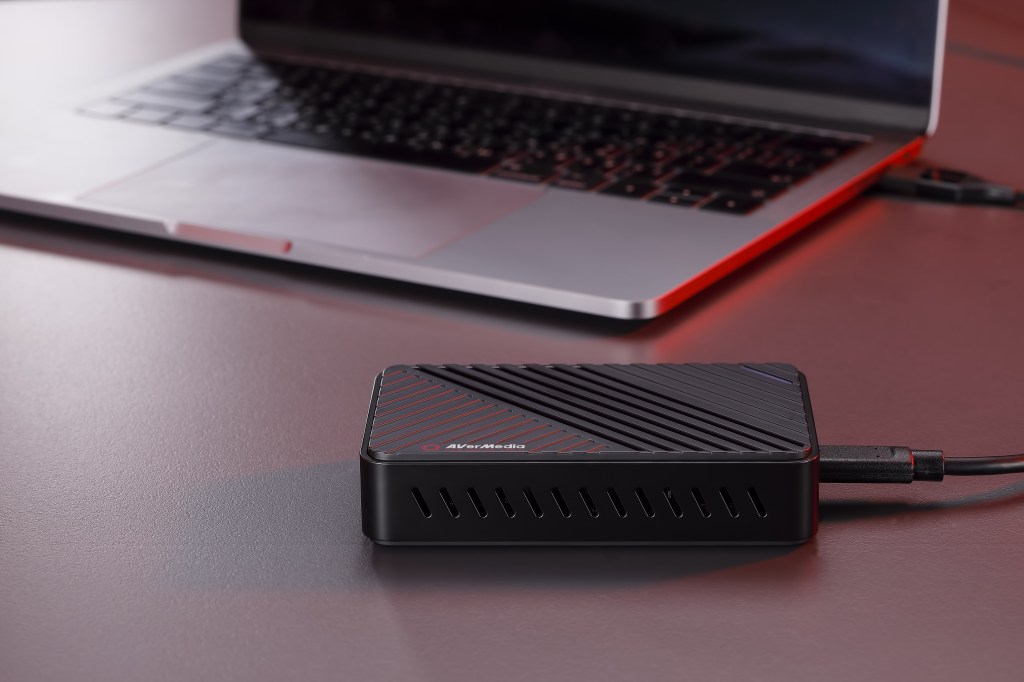
- I stream using a MacBook, so USB capture cards are key!
⭐️ Camera Capture: AVerMedia Live Streamer CAP 4K
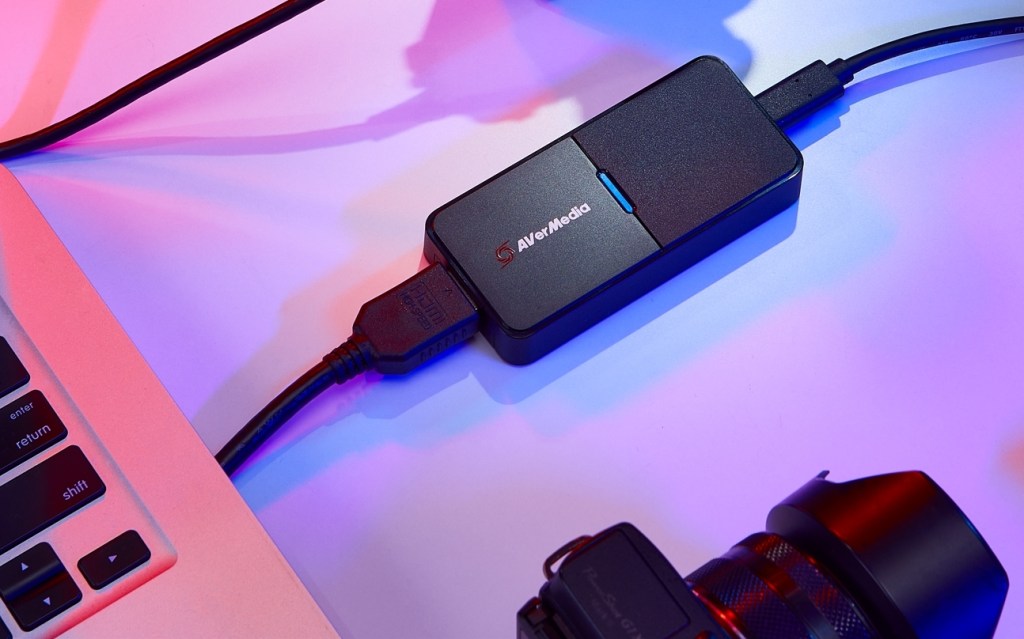
- Significantly cheaper than the CamLink for the same capture specs (inputs up to 4K60, 1080p240, capture up to 4K30, 1080p120, etc). It’s a great piece of hardware!
PCIe Capture: AVerMedia Live Gamer DUO
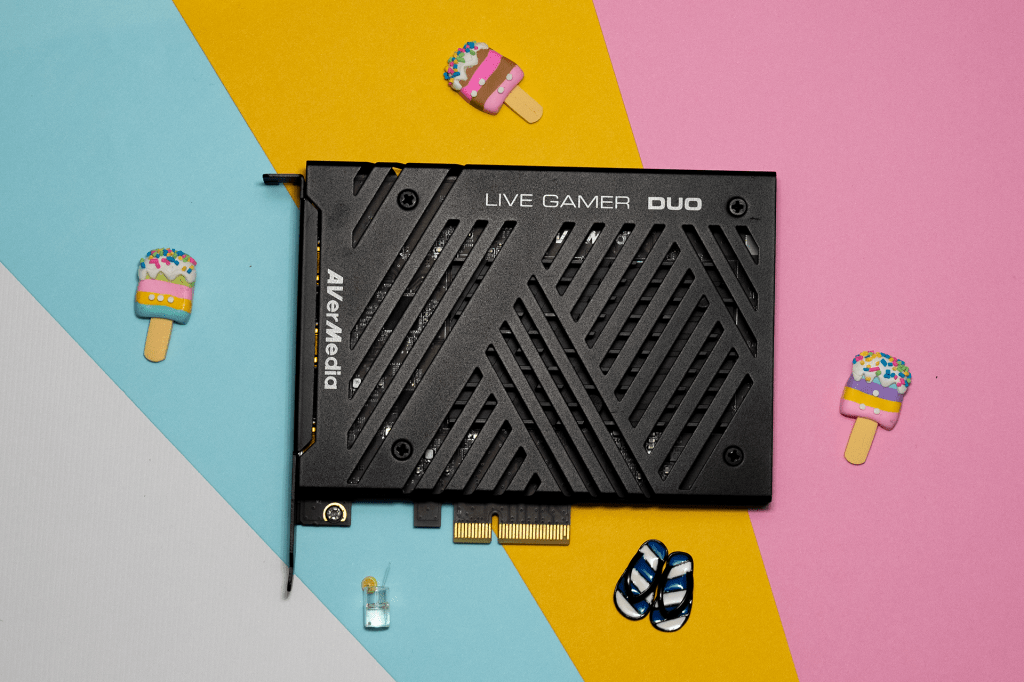
- If I stream on my PC, I use this! It’s a PCIe capture card with one HDMI 2.0 input (up to 4K60) and one HDMI 1.4 (up to 1080p60) input—perfect for capturing console + camera together. That said, it doesn’t capture 4K (only passes it through) and lacks Elgato’s superior software ecosystem.
Budget Alternatives
USB Capture Card: EVGA XR1 Lite

- The best bang-for-buck capture card. $75ish for 4K60 inputs and 1080p60 capture. Only drawback is that it lacks any software ecosystem support.
Camera Capture: Some cheap Amazon capture card
- No recommendation in particular, and you may find duds, but you can get a cheap capture card for your camera for under $20-30 if needed.
Better Alternatives
USB Capture Card: Elgato HD60X
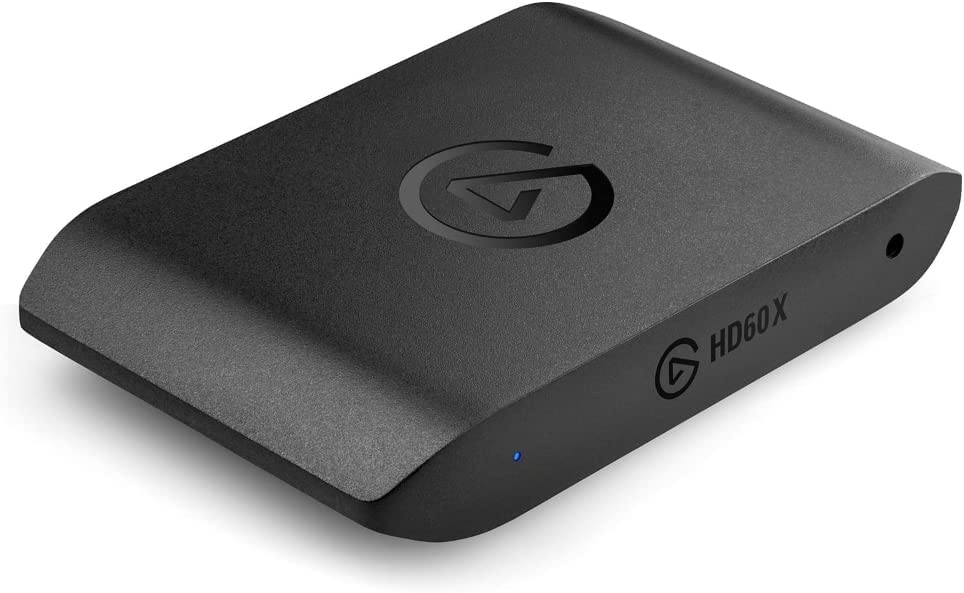
- Same capture specs as the Live Gamer ULTRA but with lower software preview latency and Variable Refresh Rate support
Camera Capture: Elgato CamLink 4K (USB) or CamLink Pro (PCIe)
- The Elgato has a far superior software ecosystem than AVerMedia, and while I think the CAP 4K is a better price for the same capture specs as the CamLink 4K, the Elgato ecosystem is simply leagues ahead of AVerMedia’s, and that integration is worth something (if it matters to you—I don’t care about capture card ecosystem when I don’t use any of the proprietary software).
🧠 Control / 💡 Lighting
I have many stream decks. I love them, but my setup is overkill!
Main Stream Deck: Stream Deck XL

- The Stream Deck I use the most—I love how many buttons it has
⭐️First Stream Deck: Stream Deck Mk. II
- What I recommend for most people—if you’re crafty with pages and profiles and folders, 15 keys is more than enough
Unnecessary but Fun Stream Deck: Stream Deck +
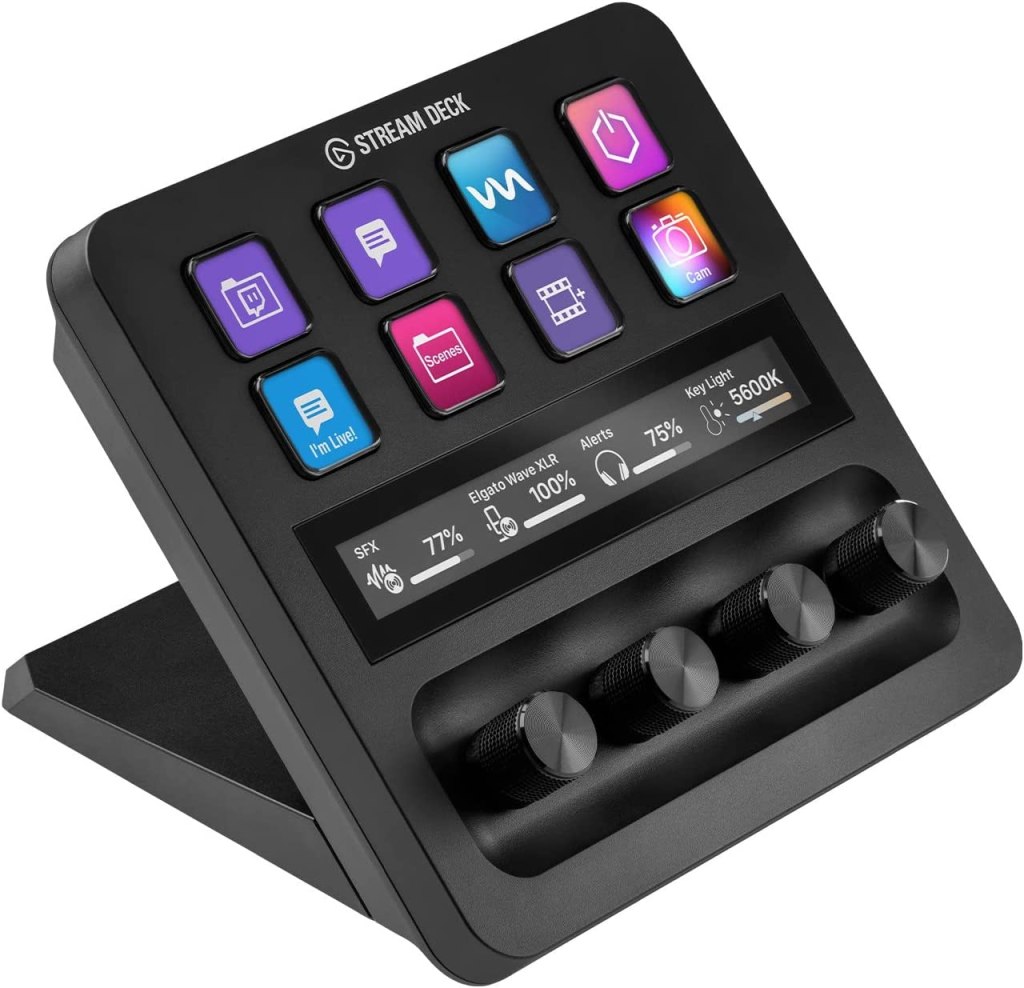
- The dials are interesting and useful but currently underwhelming. I’d wait on this one until there is more plugin support for dial commands
⭐️ Main Lights: Elgato Key Light Air (2x)
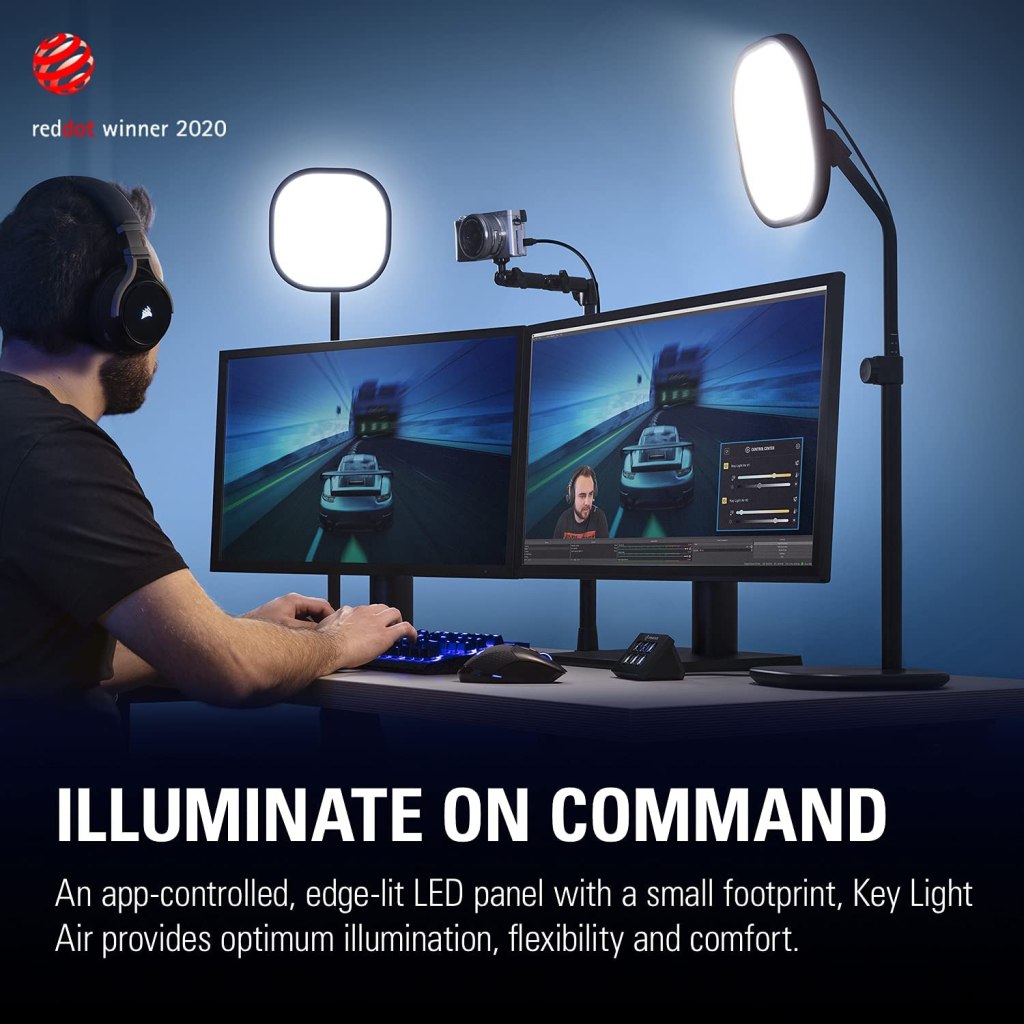
- These lights are affordable considering their quality, and integration with Stream Deck is what truly sets them apart (though many lights are integrated there now). I use these in all of my studio videos/streams!
⭐️ Extra/Vlog Light: Elgato Key Light Mini
- This is a fantastic key light in its own right, but you can attach it to a cold shoe mount and use it alongside a camera. It has a great battery life considering its brightness, and whether in studio or vlogging outside, it’s a great little light.
Budget Alternatives
I don’t really recommend anything other than Elgato Stream Deck for control.
Main Lights: Neewer Key Lights

- Not great, but more than enough to get started. I still use one with a blue filter as a background light!
Better Alternatives
LoupeDeck has products that are better for certain art/design/editing workflows, but for most creators, Stream Deck is king.
Main Lights: Elgato Key Lights
- These are simply bigger lights than the ones I use. I’d use these if I had the desk space!
 Andy Cormier